Sample files
Turn your Excel price list and photos into a product catalog
Upload Excel or CSV and product photos. Review the photo matches and save a branded PDF.
Up to 10 products per free PDF. No account needed.- 1
- 2
- 3
Upload files
From spreadsheet to catalog
Excel price list
| SKU | Product | Price |
|---|---|---|
| V-01 | Celadon vase | $48 |
Branded PDF preview
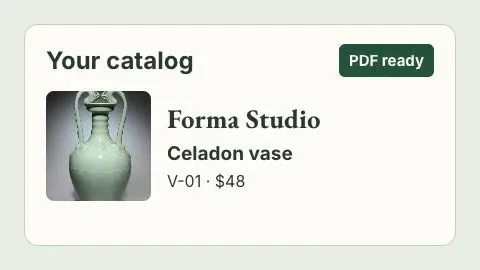
From an Excel price list to a finished catalog
An 18-second walkthrough of uploading files, matching photos and saving the catalog.
Walkthrough transcript
- Upload your Excel price list and photo folder. Catalog Folio reads the product and price columns and matches V-01-front.jpg to the Celadon vase by SKU.
- The second filename has a typo. Catalog Folio suggests Stoneware mug. Choose the suggestion to confirm the match. You can also search by product name or SKU.
- Add your branding and check the catalog with photos, product names, SKUs and prices. Save a free PDF of up to 10 products, or use the hosting pilot to share a link and QR code.